
Malicious Add-ons, Toolbars, and Extensions Oh My!
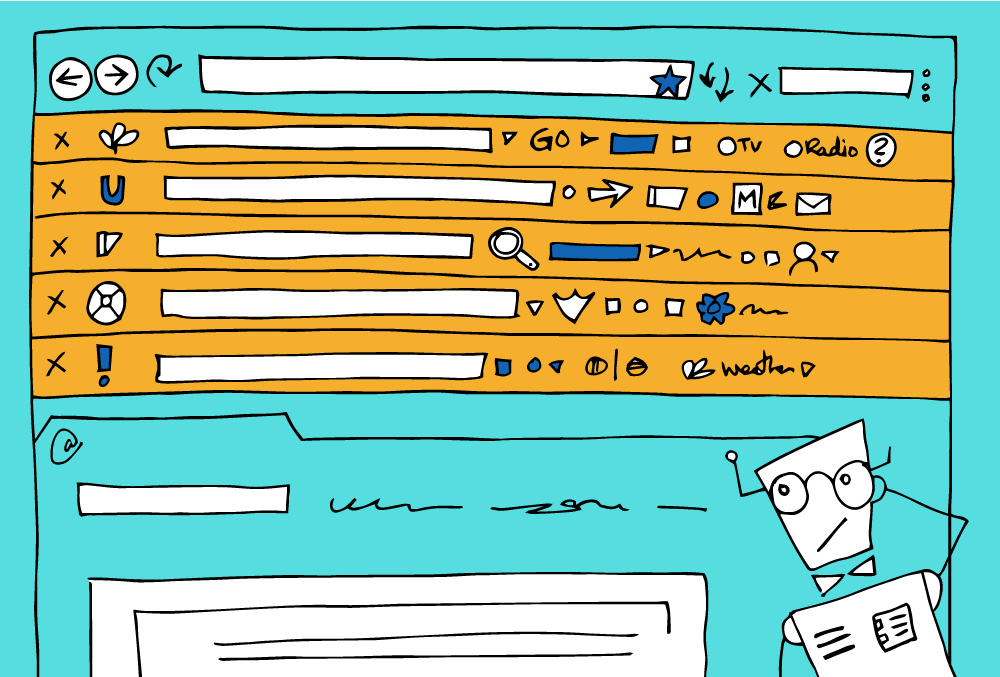
Web browsers are a lot like cars. There is a base package, and then you can get add-ons like GPS navigation, wood paneling, or heated seats. In a web browser like Chrome or Safari, this takes the form of search toolbars, weather widgets, shopping assistants, and more.
Some of these add-ons can be really helpful, such as Grammarly for advanced spell checking and LastPass to help manage passwords.
Add-ons are usually found and installed directly from the official browser website, while the malicious ones usually come bundled with a program you actually wanted like Adobe Flash or a puzzle game.
What makes an Add-on malicious?
Add-ons can slow down your browser or provide you with a sub-optimal searching experience. They might gather your information to sell to advertisers or make money off feeding your search query to Ask.com, or Yahoo. Even more discouraging, it's possible they could be capturing your very sensitive information.
Review Your Add-ons
It’s possible you don’t have any add-ons installed, but it’s good to check. To review your browser extensions, first, open your browser, find your browser menu and click on Extensions, or Manage Extensions. If you have any add-ons you will be able to disable or remove them there. If you need more help, check the official guide for managing extensions in your browser below.
Official Instructions on Managing Browser Extensions
Safari | Chrome | Firefox | Opera
Even if you think the extension is helpful, you should do a Google search of the extension and look at the reviews. There are examples of popular anti-virus extensions, weather apps, and even adblockers that appear harmless but are actually malicious. Absolutely remove any search toolbar extensions, every browser already has simple search functionality.
Or, Let the Experts Review
If you feel overwhelmed with the task of reviewing, and removing browser extensions, leave it to the experts. These free programs will flag and remove any malicious add-ons.
Mac - Bitdefender Adware Removal Tool for Mac
PC - Malwarebytes Adwcleaner for PC/Windows or Bitdefender Adware Removal Tool for PC/Windows