
Use Google's Tools Button for Refined Search Results
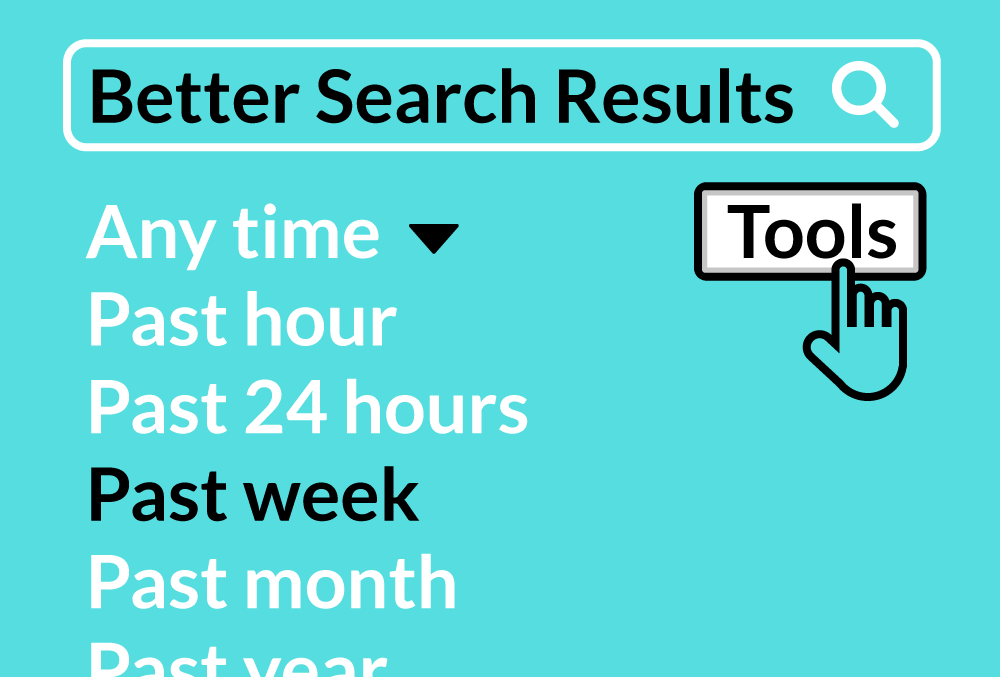
Searching the internet for exactly what you are looking for can be a real challenge. Google offers a powerful, yet underutilized Tools button that allows you to refine your search results.
Find the Tools Button
Type what you are looking for into the Google search bar. On the search results page, you will find the Tools button directly below the search bar on the right. When you click that button, a Tools bar appears under the search bar with different options.
Example: Define Your Date Range
For timely results, set a date range in your Tools options. This can be especially helpful with looking for news, recommendations, or information about events.
Let's say you are having an issue with your phone or computer and search Google for a solution. You might be seeing results from articles published in 2012 or even earlier. These articles could be tailored to older devices, so you're left scratching your head because the instructions given don't match the settings on your newer device. Google's Tools feature lets you refine the date range to only show recent, and more relevant results.
Example: Customize Your Image Search
Searching for images can be especially challenging. The tools button comes in handy once again by providing you with all kinds of filter options to refine your search.
Maybe you are looking for a new background wallpaper for your computer? Type something you'd like into Google Search. From your results page click 'Image' under your search bar and select the Tools button. Change the size to large in the filter options. Your results will now show only high-resolution images guaranteed to look great on your screen. Experiment with the filters to see other potential uses. Now that you know about the Tools button, you will be able to search smarter and faster.