
What is Two-Factor Authentication?
When logging into your email or bank account recently, you might have been asked if you want to set up two-factor authentication. It can also be known as multi-factor authentication or two-step authentication, and while there are differences between each of these, we don't have to worry that right now. At its core, two-factor authentication is simply an extra layer of security.
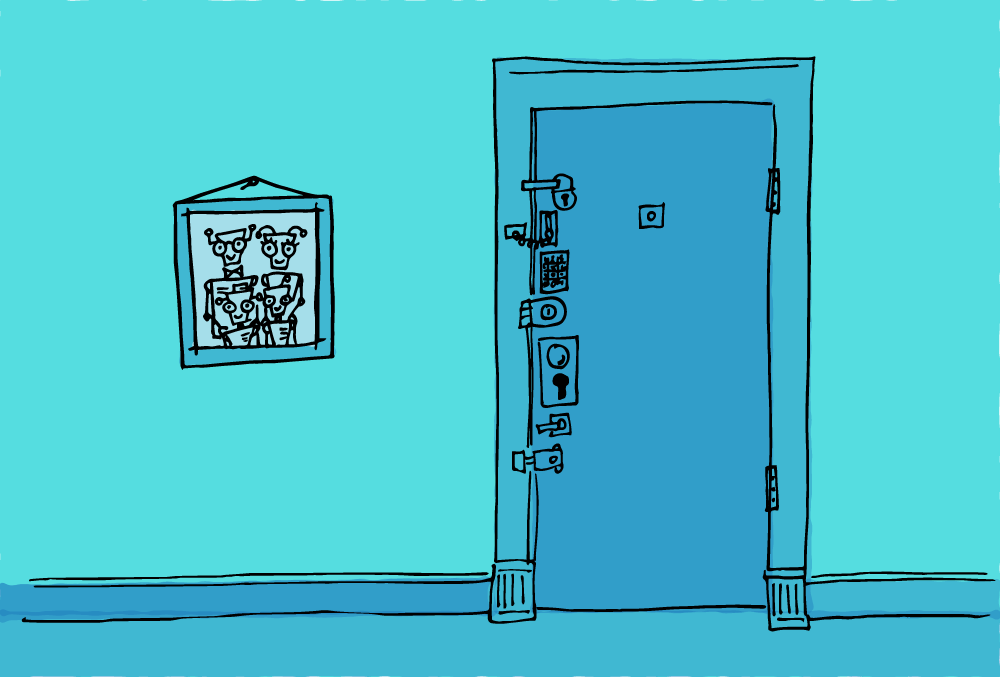
Think of it as an additional lock on the front door of your account. The first lock is your username and password. The second lock may be your telephone number, an alternate email address or pin number that is required to access your account. If someone gained access to your password, they wouldn’t be able to get into your account because there would be an additional level of security. You need both open to the door.
The Challenges
This sounds like a great thing, but it can be slightly complicated and time-consuming. It can present interesting challenges if you lose your password, and have changed or don't have access to your phone. Be sure this second security is accessible on your devices and the information you provide is accurate.
So should you use two-factor authentication?
The digital world is still in an experimental phase with this security feature. Over time, it will become more user-friendly, as companies and apps figure out the simplest system for secure accounts. It's certainly recommended to use it, at least for your most important accounts, but you might expect to have a few frustrations.
Do you have the same username and password for all your accounts? If one account gets hacked, they are all compromised, except for the ones that have two-factor authentication enabled.
If it's offered, you will find the two-factor authentication setup in the account settings of your bank or email provider. Follow the steps provided. Ultimately, you will be glad you did.